Windows admin app
Acts as the office host for structure, assignments, review, and exports.
Windows host + Android reader
No-internet daily meter reading
Meter Express keeps the working data on the Windows admin host. Reader phones sync before field work, collect readings offline, then sync back over the office network when they return.
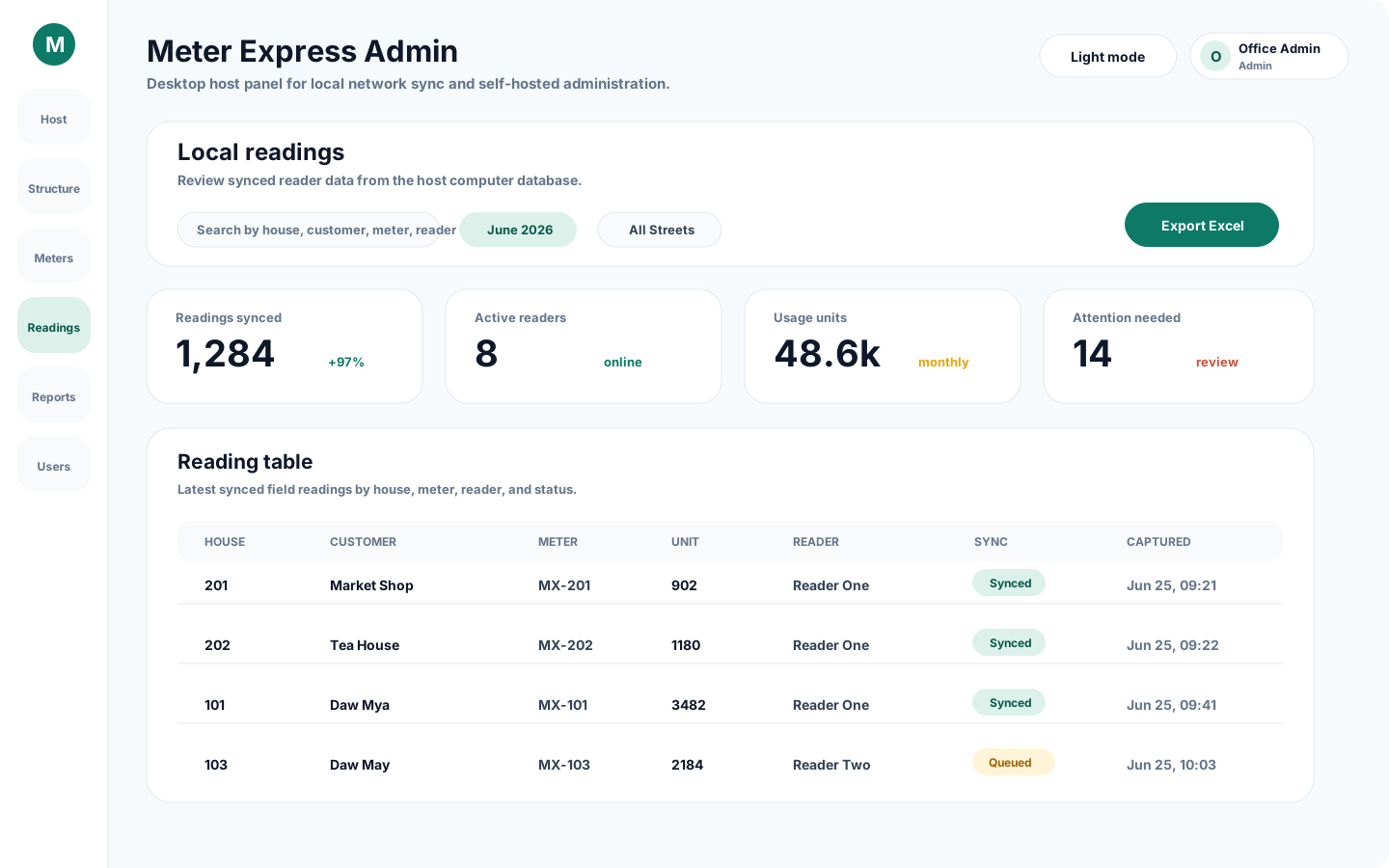
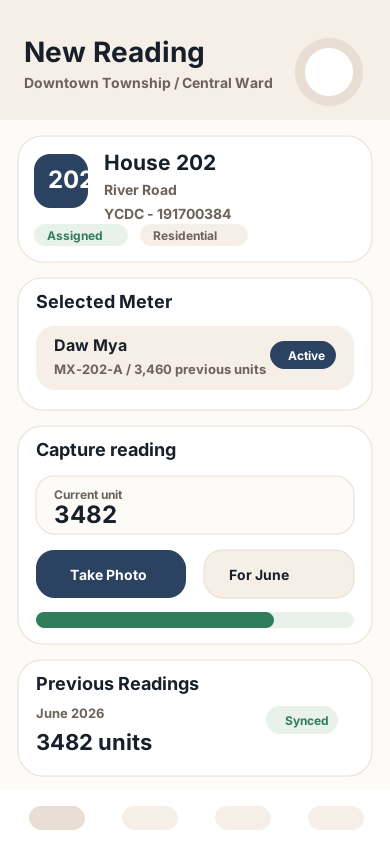
Acts as the office host for structure, assignments, review, and exports.
Sync assignments from the Windows host, then collect readings offline.
Daily reading runs on the local office network, with no internet required in the field.
01Daily operation
One clear loop keeps office data controlled and field work moving.
Admins set up meters, readers, and assignments on the Windows host.
Readers download their assignments over the office network.
Readers capture usage, photos, and notes fully offline.
Phones upload readings for review, correction, and export.
02Two working surfaces
Each screen is shaped for where the work actually happens.
Android reader app
Fast mobile screens for assigned houses, new readings, previous history, photo capture, local storage, and Windows host sync.
Windows admin app
Desktop host workflows for structure management, reader assignments, local sync, reporting, exports, app notices, and update control.
What you get
The Windows host remains the working source for structure, assignments, review, and exports.
Assigned work, reading history, photos, and notes stay available without mobile data.
Exports built for practical monthly review, billing, and office records.
03Setup model
We help your team install the reader and admin apps, prepare the first meter lists on the Windows host, and run the monthly reading workflow over the local office network.
Talk to us about setupSet up Android reader phones and the Windows admin host computer.
Add houses, meters, reader accounts, and monthly assignments on the host.
Readers pre-sync at the office, then capture usage, photos, and notes offline.
04App downloads
Choose the Android build that matches the reader phone, or download the Windows app package for the office computer.
Android reader app
64-bit is recommended for most Android reader phones.
Windows admin app
For office review, setup, reports, and exports.
Most newer Android phones use 64-bit. Use 32-bit only for older Android phones that cannot install the 64-bit APK.
05Contact
Call, email, or message on Telegram for installation, updates, and support.